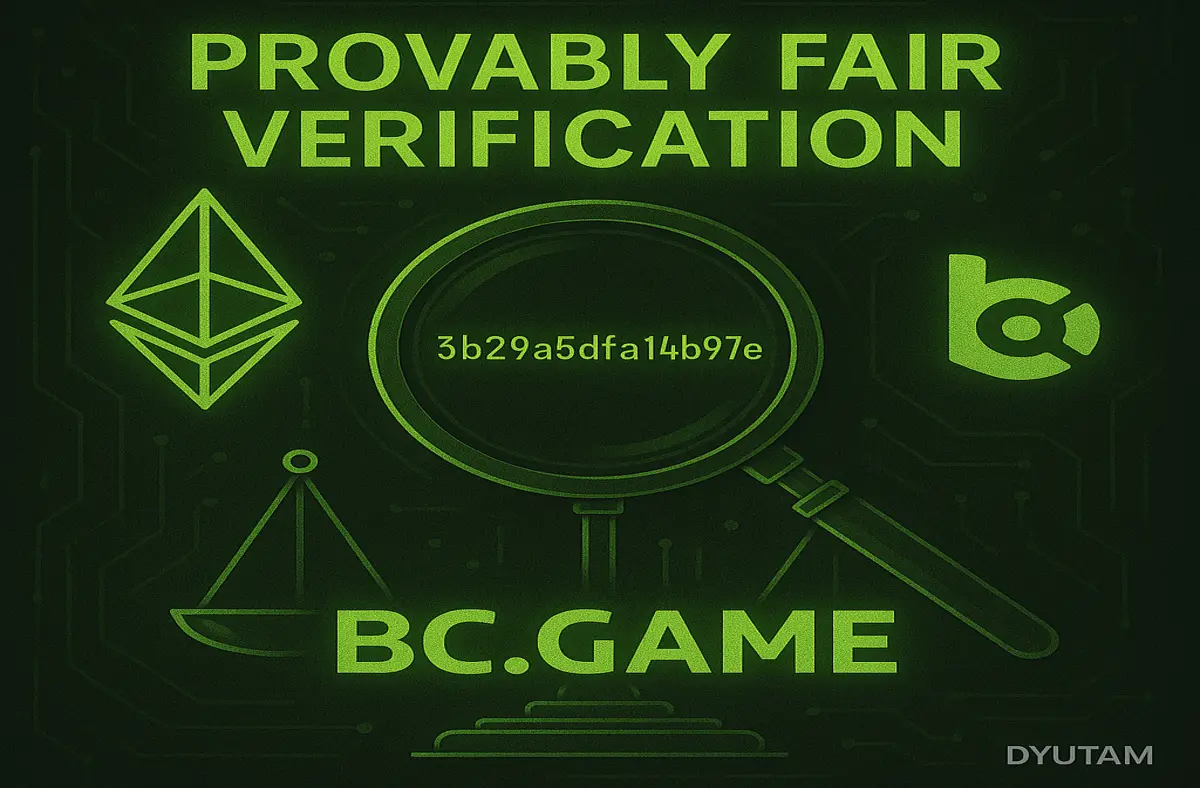
How to verify BC.Game results using Dyutam’s Independent Verification Tools
Verify BC.Game multiplayer Crash with the game hash and salt, or use the appropriate seed settings for Fast Crash and individual games.

BC.Game uses different verification recipes across its games. A multiplayer Crash round has a public result for everyone. Fast Crash, Limbo and HiLo use individual seed information. The wrong mode can yield a different result even if you copied every value accurately.
Identify the game on the receipt
| Receipt or game | Select these inputs |
|---|---|
| Multiplayer Crash | Game hash and salt for that range of rounds. The verifier identifies the salt change and distinguishes older rounds. |
| Fast Crash | Personal revealed server seed, client seed, nonce and applicable house edge. |
| Limbo | Personal seeds, nonce and house edge. The form defaults to 2%. |
| HiLo | Personal seeds, nonce and round index, beginning at zero. |
Open the two-mode BC.Game Crash form and choose the version shown on the original bet. For multiplayer Crash, compare the game hash against the round history, choose the salt for that round and compare the resulting multiplier.
The BC.Game tools directory lists Classic Dice, Hash Dice, Ultimate Dice and a separate retired Dice verifier. Match the historical game name before using an old receipt.
Obtain individual bet information
Save the pre-bet hash before play. After the seed pair is retired, hash the revealed server-seed text with SHA-256 and compare it with the saved commitment. Next, combine the revealed seed with the recorded client seed and nonce using that game’s published recipe. A matching result checks that round against its commitment when both checks pass.
Finish active games if necessary, use the fairness panel to reveal the completed pair, and reopen the original bet. Save the game version and applicable house edge.
Verification Process with Dyutam
- Navigate to Dyutam’s BC.Game verifier section
- Select your game from the list
- Enter your collected bet data into the form
- Press “Verify Result”
The verification runs entirely within your web browser using client-side cryptography – no data is sent to any server, ensuring complete privacy.
Worked Limbo example at 2%
These sample values let you check the calculator without using a live account.
Revealed server seed c9e3f1a2d5b8e7f4a3d6c1b9e2f5a8d7
Client seed BCPlayerSeed789
Nonce 100
Select 2% in the BC.Game Limbo form. Expected multiplier: 1.09×. The HMAC starts with 1ad0f7d3725d8.
The tool displays comprehensive verification data including the game hash, extracted seed value, and final multiplier outcome.
Worked HiLo example at round zero
HiLo games involve predicting if the next card will be higher or lower. Here’s how to verify it:
Revealed server seed d7a4c2f9e1b5d8a3f6c9e2b7d4a1f8c5
Client seed HiLoTest321
Nonce 25
Set round number to 0 in the BC.Game HiLo form. Expected card: K♣, card index 5 and card ID 205.
The verifier shows the exact card dealt, including its rank (Ace through King) and suit (Hearts, Diamonds, Clubs, or Spades), making it simple to confirm against your game result.
Tips for Successful Verification
For a mismatch, check the selected mode, seed pair, nonce, round or salt, case and edge. Keep those values with the recorded result.
A match reproduces this result under the specified game rules. It does not certify every BC.Game title or guarantee a payout.
Begin your verification journey at Dyutam’s BC.Game verification tools.
For a worked explanation, see how to verify a game result.

Aevan Lark
Aevan Lark is a gambling industry veteran with over 7 years of experience working behind the scenes at leading crypto casinos — from VIP management to risk analysis and customer operations. His insider perspective spans online gambling, sports betting, provably fair gaming, and prediction markets. On Dyutam, Aevan creates in-depth guides, builds verification tools, and delivers honest, data-driven reviews to help players understand the odds, verify fairness, and gamble responsibly.
Related coverage
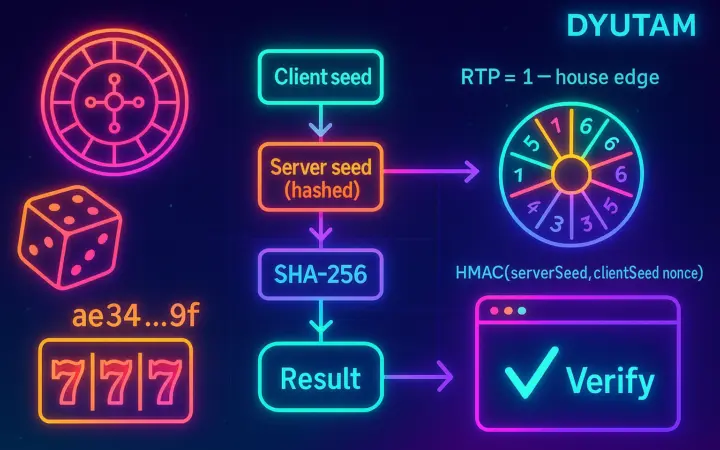
No Smoke, Just Math: “Provably Fair” Gaming: Seeds, Hashes, and How You Can Check the Trick
Learn what the server seed, client seed and nonce establish, and how to reproduce a completed game using the published verification method.

How Crash Games Work: Aviator, Bustabit & Beyond
See how crash payouts work, how Bustabit’s published formula maps a target to a probability, and how to check the rules for…

How to Verify Stake Game Results
Use Stake’s game hash and public seed for multiplayer Crash, or the personal seed pair and nonce for supported individual games.